The #1 e‑learning platform for creating workplace training
All the training tools you need to simplify online course creation from start to finish.

WHAT’S NEW
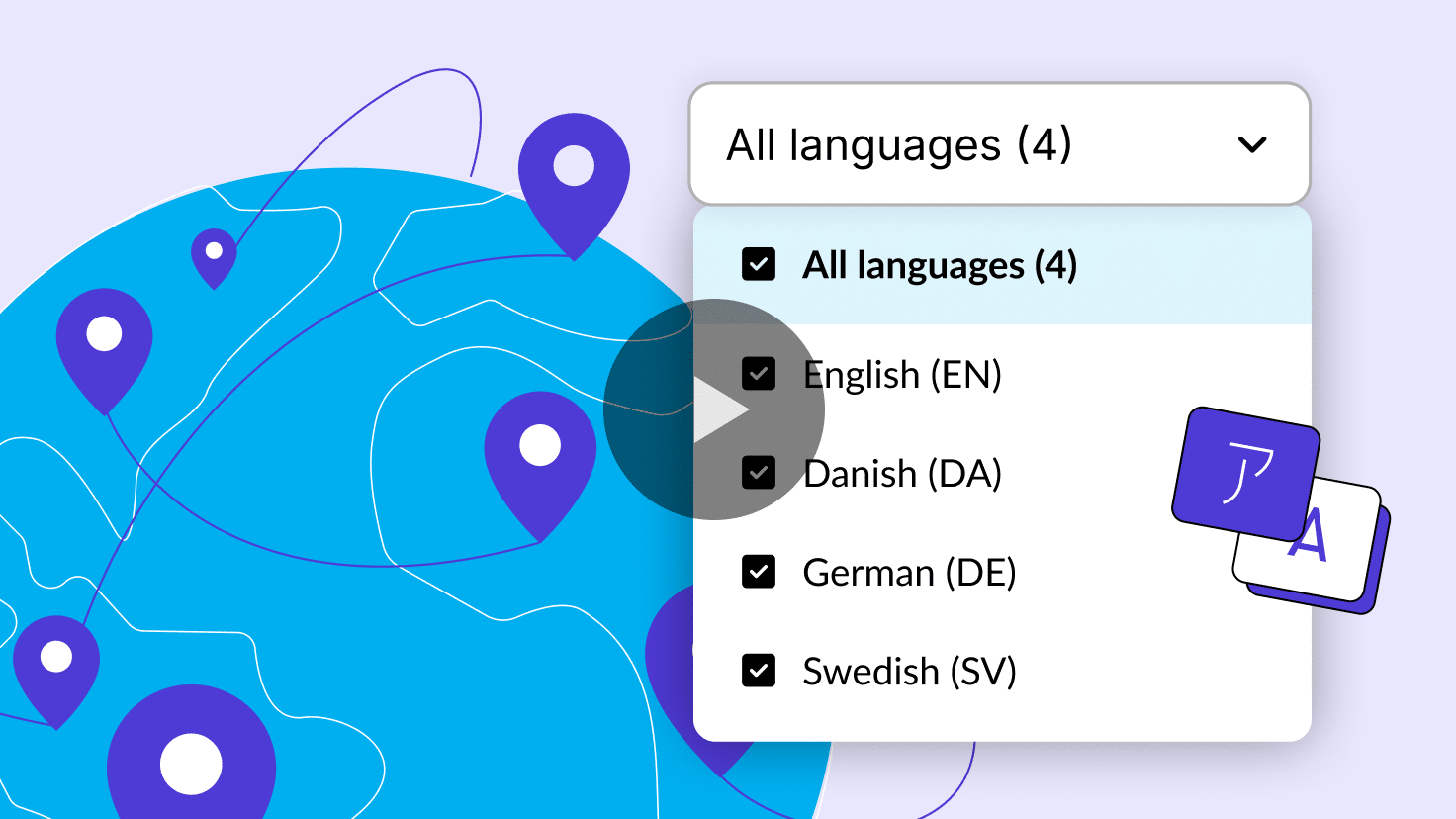
Localize courses 3x faster
Translate, validate, and manage e-learning for your global workforce—all without leaving Articulate 360.
“Articulate Localization has really improved our localization quality, reducing errors and streamlining our workflow.”
Paul Small
Senior E-Learning Technical Support Engineer, Traliant


125,000 Organizations
133 million Learners
187 Countries














With Articulate, we were able to increase compliance rate, reduce in OSHA reportable incidents, and reduce seat time for learners by creating blended learning (courseware and ILT vs ILT alone).

Loved by customers and industry experts